Calm Keyboard is a private Android keyboard with themes, clipboard history and text snippets. No ads, no tracking and no internet permission: what you type, what it suggests and what you copy stay on your phone.
Get it on Google Play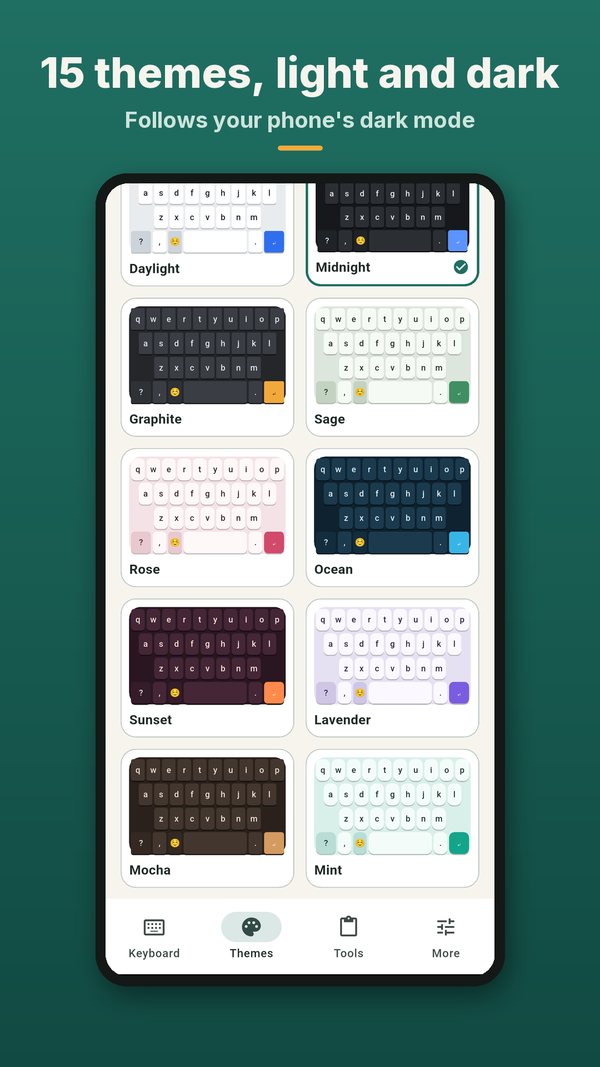
Fast, comfortable typing with the tools you use daily, built so your words stay yours.
Suggestions, learned words and clipboard stay on your phone. Check it in Android settings.
No ads, no tracking, no account and no sign-in.
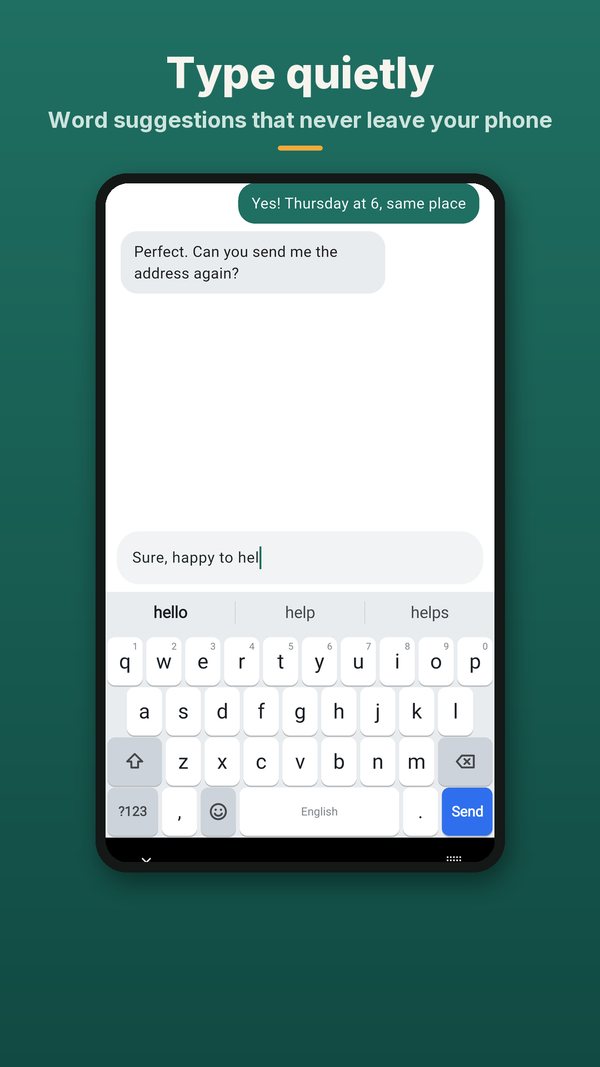
QWERTY, QWERTZ and AZERTY for English, German, Spanish, French, Portuguese and Italian.
Bundled for English, German and Spanish; other languages learn from you on the device.
The last 5 copies are free. Calm Plus keeps 50 with pins for up to 3 days.
3 snippets free, more with Plus and Studio. Type ;addr and a space to expand.
Three free themes, ten more with Plus, Founder Gold and Obsidian with Founder, a builder with Studio.
Accents on a long press, number row, space-bar cursor swipe, one-handed mode, haptics, emoji panel.
Three steps and you are typing.
Open the app, tap Enable Calm Keyboard and switch it on in Android settings.
Tap the keyboard icon in any text field and pick Calm Keyboard.
Pick a layout, a language and a theme. Typing is free; extras are one-time unlocks.
Most keyboards want the internet: for cloud suggestions, sync and ads. Calm Keyboard does not even ask for the permission, so there is nothing to switch off and nothing that can leave your phone. It is a quiet, well-made keyboard with the features people use every day: suggestions, accents, a cursor you can swipe, clipboard history, snippets and themes.
| Calm Keyboard | Typical keyboard | |
|---|---|---|
| Ads | None | Often ads or sponsored suggestions |
| Internet permission | None | Usually yes |
| Typing and suggestions | Free, offline | Free, often cloud-based |
| Clipboard and snippets | On the device only | Often synced online |
| Extras | One-time unlocks, no subscription | Often subscriptions |
From the first message to the theme builder.
Smart word suggestions that never leave your phone, in a chat that looks the way you like it.
Daylight, Midnight and Graphite are free. Plus adds 10 more; Founder adds Founder Gold and Obsidian.
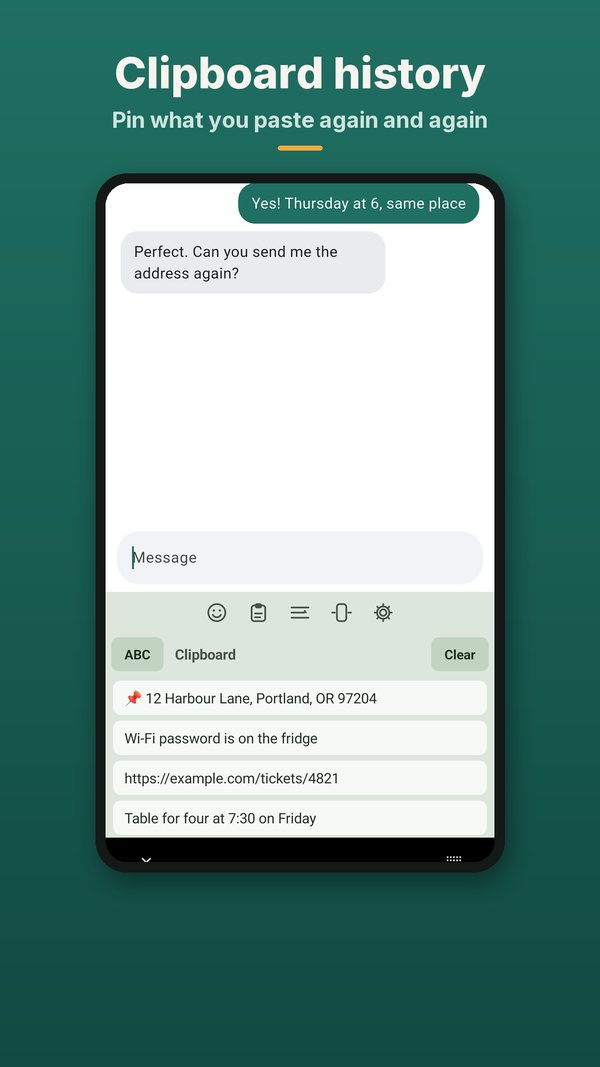
The last copies are one tap away. Stored on the device only; clear them whenever you like.
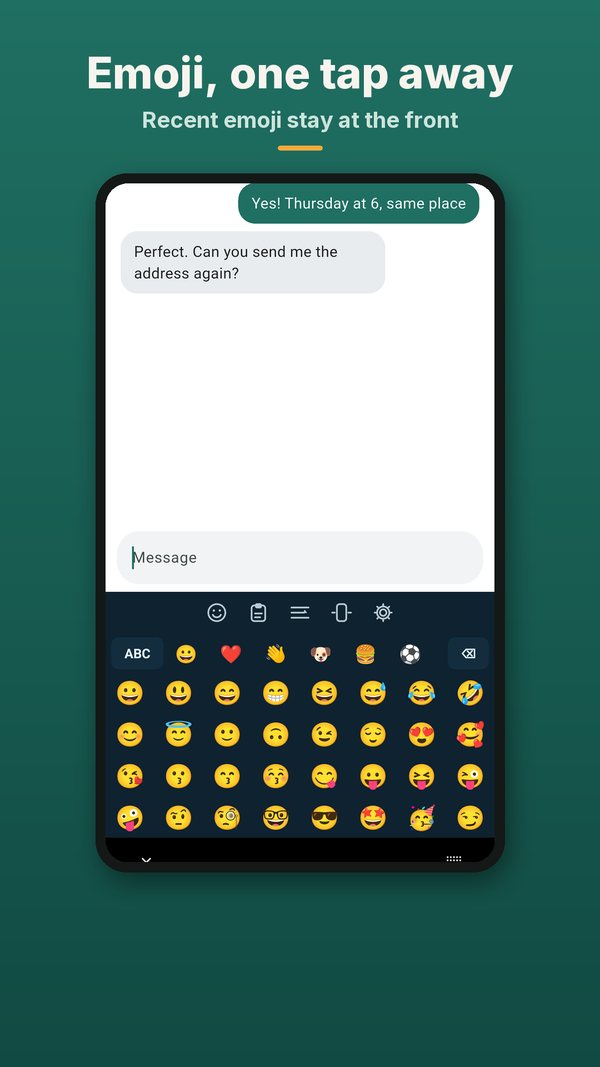
Every emoji in one panel, right inside the keyboard.
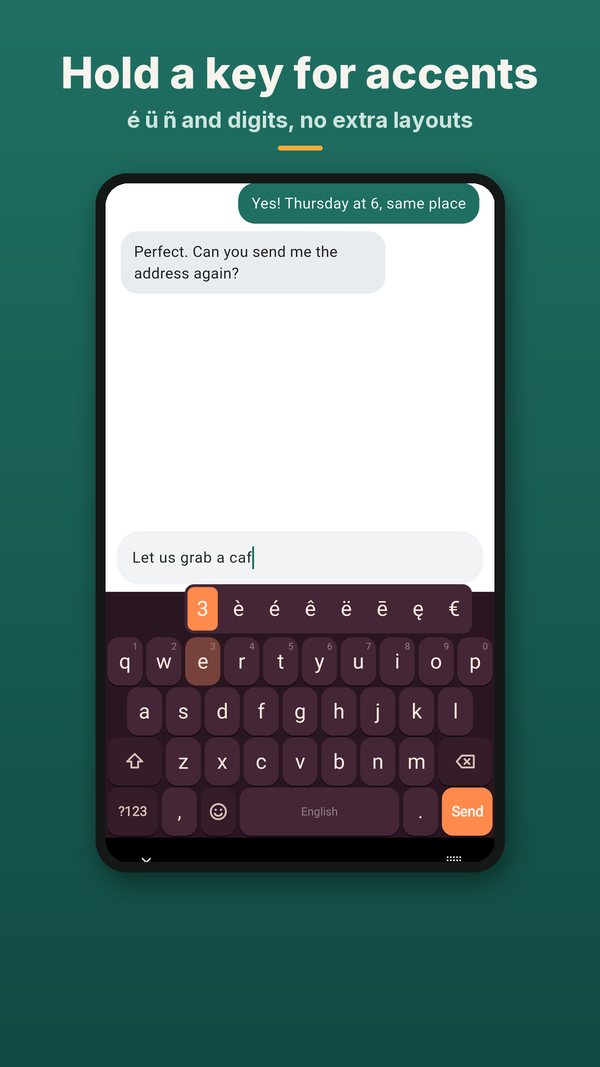
Hold a key for accents and digits – type in six languages without switching layouts.
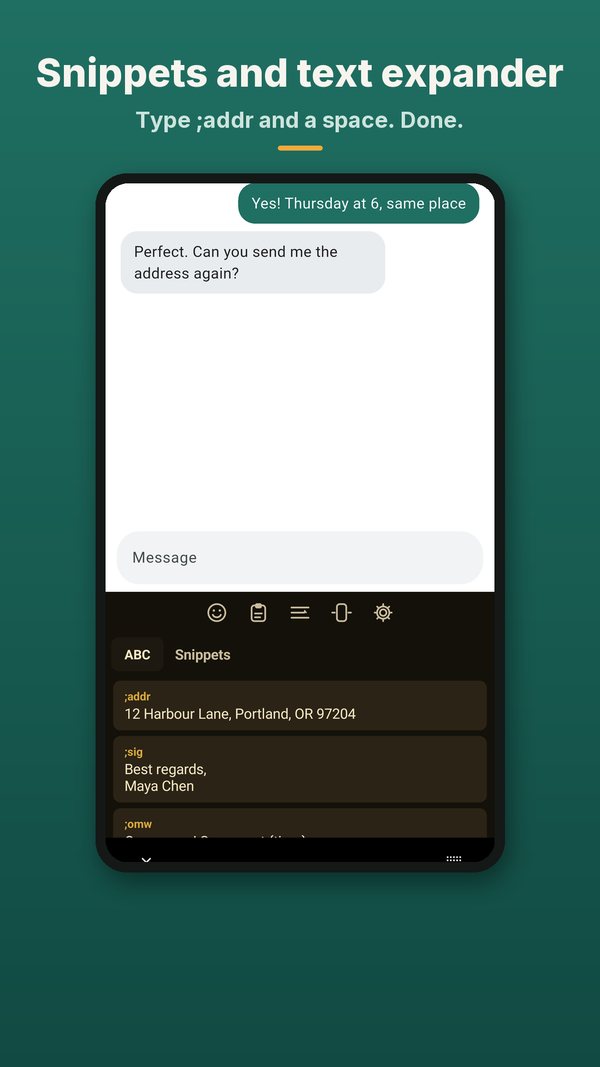
Save phrases you send often. With Calm Studio, type ;addr and a space to expand it.
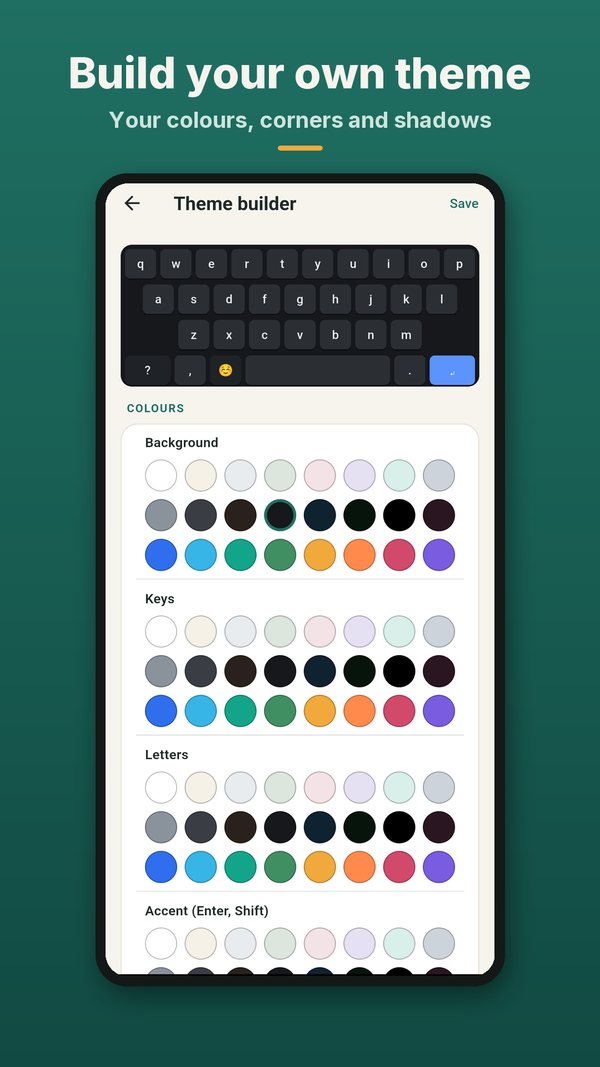
Choose colours, key corners and shadows and build the keyboard that feels right.
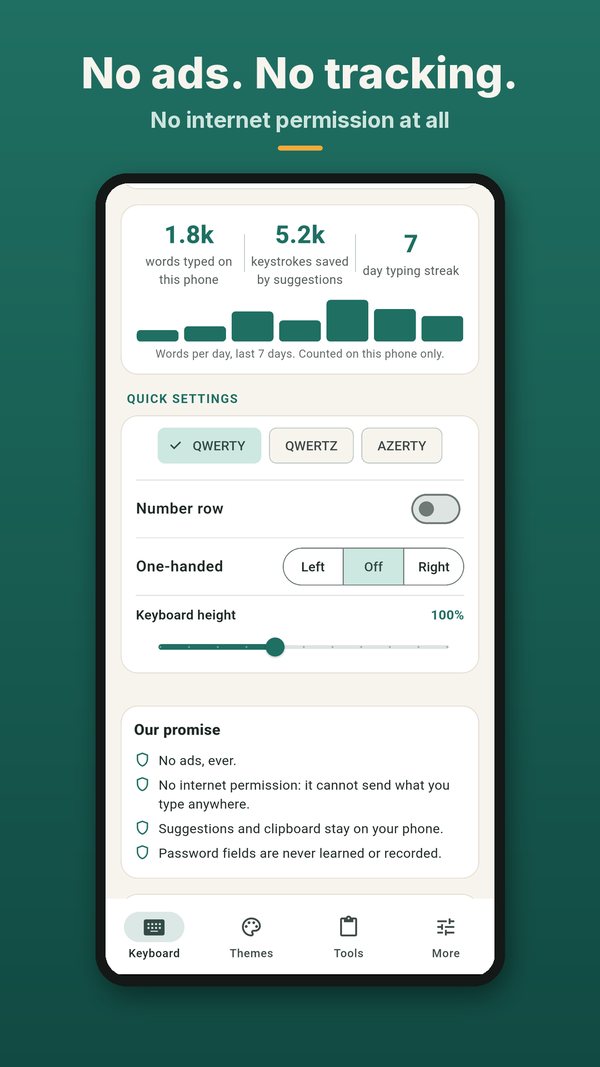
No ads, no analytics and no internet permission. What you type stays on your phone.
How to enable Calm Keyboard, switch keyboards and keep your typing private.
Yes. Calm Keyboard has no INTERNET permission, so it cannot send what you type anywhere. Suggestions, learned words, clipboard history and snippets stay on your device. Password fields are never learned or recorded.
Android shows the same warning for every third-party keyboard. The difference is whether the keyboard can send text anywhere. Calm Keyboard has no internet permission, so it cannot.
Tap into a text field, tap the keyboard icon at the bottom right and choose another keyboard, or change the default in Settings, System, Keyboard.
Typing is always free, with three themes, a 5-item clipboard and 3 snippets. Calm Plus, Calm Studio and Calm Founder are optional one-time purchases through Google Play. No subscription and no ads.
English, German, Spanish, French, Portuguese and Italian. Offline suggestions are bundled for English, German and Spanish; the others learn from you on the device.
A short review on Google Play helps other people who want a private keyboard find it – and tells us what to improve next.
⭐ Rate it on Google Play Calm Keyboard: Private, No Ads